Answering the AI questions in a customer's security questionnaire
A customer's security questionnaire now asks about AI. What the questions cover, how to answer from your real setup, and how to say what you don't do yet.
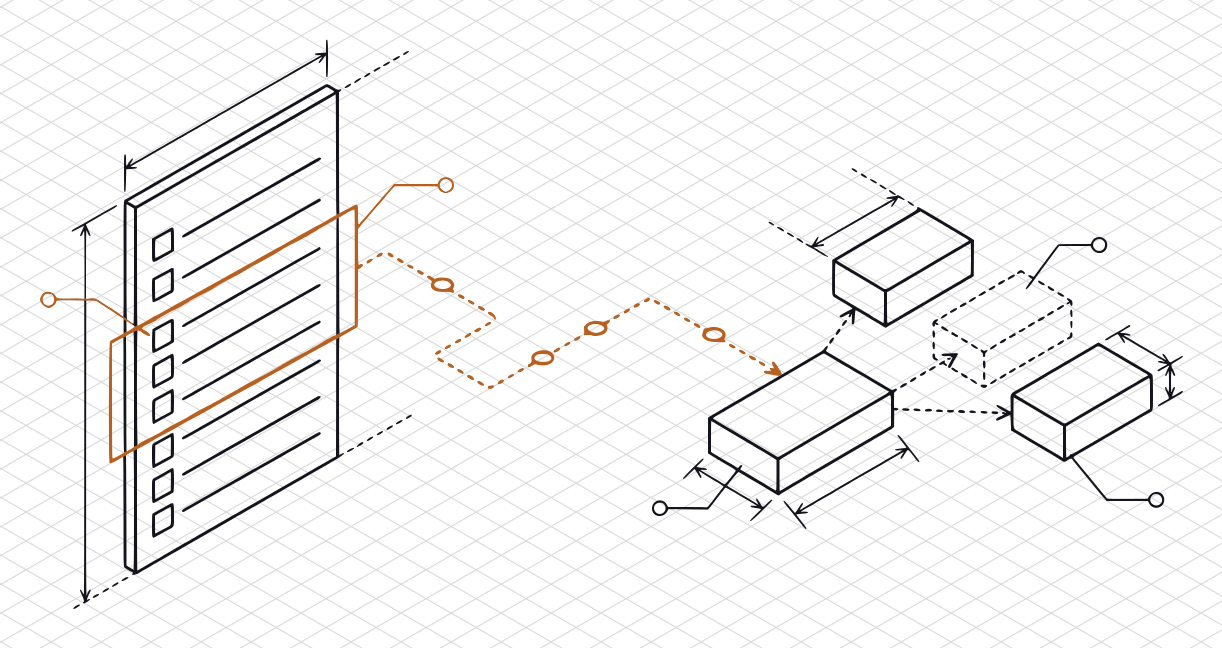
An honest answer to a questionnaire’s AI questions starts with one page you write once: which of your features call a model, what data reaches it, which provider receives that data, and who inside your company can see it.
Why the questions are showing up
Security questionnaires with AI questions now exist. The Cloud Security Alliance released version 1.1 of its AI Consensus Assessments Initiative Questionnaire, the AI-CAIQ, on June 23, 2026. It is a public self-assessment of AI-specific controls, built for organizations that want to self-assess and validate their own practice. A customer may send that one, send a few AI rows added to the questionnaire they already use, or write their own.
We don’t quote any of these questionnaires here, because their publishers set terms on copying them. What follows describes the topics in our own words. Your customer’s sheet is the one to answer, and it may ask for more or less than this.
What the questions cover
In our reading of the public material, questions about AI fall into a few topics, however they are worded. If you can answer these eight in a sentence or two each, you have most of what a questionnaire will ask.
- Where you use AI. Which features call a model, and what each one does for the customer.
- What data reaches a model. Customer content, personal data, files, prompts, and what you log from them.
- Who the model providers are. Every outside company that sees that data, where it processes it, and how long it keeps it.
- Whether anyone trains on customer data. Your company, or a provider you use, on prompts, outputs, or uploaded files.
- Who can see it inside your company, and whether one customer’s data can end up in another customer’s answers, through shared search indexes or fine-tuned models, for example.
- How the feature can be abused. Prompt injection, leaked instructions, unsafe output, and a model with more access than its job needs. OWASP’s Top 10 for LLM Applications is a public list of these risks: its 2025 edition names prompt injection, sensitive information disclosure, improper output handling, excessive agency, and system prompt leakage, among others.
- What a person checks. Whether anyone reviews what the model produces, and what happens when it is wrong.
- How you govern it. A written AI-use policy, an owner, how you approve a new model or provider, how you tell customers about a change, and what you do if something goes wrong.
NIST’s AI Risk Management Framework and its Generative AI Profile cover the same ground from the other side, as a voluntary framework for managing AI risk. A questionnaire is not a framework, and answering one does not mean you follow it. They are useful as a reference when a question is unclear.
How to answer from your real setup
An honest answer comes from a description of what your product does, written once, then reused. Do that first.
- Draw the data path. For each AI feature, write down what goes in, which provider receives it, what comes back, and where you store it. One page is enough. A table with a row per feature and provider works better than prose. Most answers to topics 1 to 5 are already in it.
- Read your provider’s terms today, and date what you read. What a provider does with your data depends on the plan, the product, and the settings, and all three change. Write down what the terms say for your account and the date you read them. Don’t answer from memory or from a blog post.
- Ask the person who built it. The engineer who wrote the integration knows what is logged and what is sent. A sales lead guessing is how a wrong “yes” ends up in a contract.
- Answer the question that was asked. “Customer content” is not the same as logs, metadata, or account data. If the answer differs between them, say so in the answer.
- Avoid “always” and “never.” A word like that turns your answer into a promise, and one exception makes it false.
- Have the founder confirm every “yes.” The answers are your company’s statements to a customer. Whoever signs the sheet should be able to say why each “yes” is true.
Here is the difference in practice. The company is fictional, and the bracketed parts are blanks you would fill from your own setup. They are not any provider’s real terms. The question, in our words: is customer content used to train a model?
Stretched: “No.”
Honest: “Northwind Notes does not train or fine-tune any model on customer content. Under [provider]’s terms for our plan, last read on [date], inputs and outputs are not used to train its models and are kept for [N] days. We keep prompts in our own logs for [N] days for debugging, then delete them. Engineers on call can read those logs. Owner: the CTO.”
The second answer is longer, and a reviewer can check it, repeat it back, and spot the log retention they would otherwise have to ask about in a follow-up. The first one is true until someone finds the log.
How to say what you don’t do yet
Nothing in this guide is legal advice; it is general information. You may not have everything: a written AI policy, formal testing of the feature against abuse, a provider list that lives somewhere other than one engineer’s head. A gap stated plainly costs less than an answer a reviewer later finds is not true. Our guide on answering a questionnaire when you don’t have the control covers the general method, including how to phrase a roadmap item. For AI, the same rules hold:
- Keep a “No” a “No.” A plan does not turn a control on. Put the plan in the comment column.
- Say what you do today, in specifics, without borrowing a word like “tested” or “monitored” that you can’t back.
- Name an owner, and give a date only if you will keep it.
An example, fictional again. The question, in our words: is the feature tested against prompt injection?
“Not formally yet. The feature can read only the signed-in user’s own notes, and it can’t send email or change data. No one has tested it against prompt injection. We plan to before we add any action that changes data. Owner: the CTO.”
That answer tells the reviewer what the feature can reach, which is what they want to know, and it does not claim a test that did not happen.
What to have on hand before the next one arrives
The second questionnaire goes faster than the first if four things already exist:
- A one-page AI-use policy. What staff may put into which tools, who approves a new provider, and who to tell when something goes wrong.
- The data-flow and provider table, from the step above, with the date you last read each provider’s terms.
- A short list of answers you have already confirmed, each with its owner and date, so the next sheet starts from them.
- A short statement of how you use AI in your product, something you can send along with a questionnaire, or before it. Our guide on a security overview document covers the general form.
None of it makes a customer approve you. A reviewer decides, on their own threshold, and a document is not an audit, a test, or a certification. What it does is let you answer fast, and keep the answers consistent from one customer to the next.
If it is your first questionnaire of any kind, start with the five-day plan, then come back to the AI rows.
Sources
All read on 2026-10-15.
- Cloud Security Alliance, AI Consensus Assessments Initiative Questionnaire (AI-CAIQ) v1.1 (artifact page: release date 06/23/2026; a self-assessment of AI-specific controls). We reproduce none of its questions.
- NIST, AI Risk Management Framework (AI RMF 1.0, January 26, 2023, “intended for voluntary use”; the Generative AI Profile, NIST AI 600-1, July 26, 2024).
- OWASP GenAI Security Project, OWASP Top 10 for LLM Applications 2025 (the entry names used above).