What to send a customer's security team about your AI feature
A customer's security team asked how your AI feature works. What goes in the packet: the data flow, the trust boundaries, the limits, and the gaps.
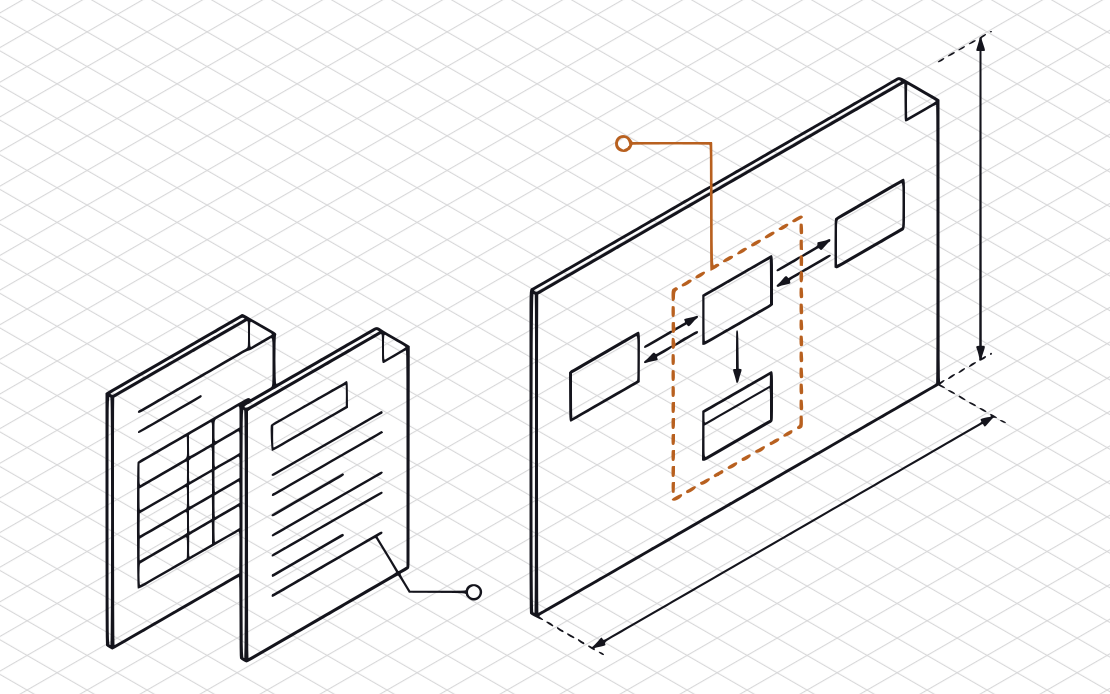
Send a short packet that says what the feature does, what data reaches the model, what the model can do besides answer, and what you have not done yet. Aim for two pages and a diagram. The goal is to let the person reading it work out your design without a call.
What the customer’s team is trying to learn
A customer that has put your feature in front of its security team is deciding what the feature can reach and what could go wrong if it is misused. That is our reading, and teams differ: yours may send a long form, a short email, or nothing in writing, and may ask for more or less than this. The packet below is built around the questions we expect: what the feature does, where the data goes, what the model can do, and what you have not done yet.
The packet
Put these in one document, in this order, and date it. Each piece answers one of those questions.
- The feature in a paragraph. Answers “what does it do, and for whom?” Write it in the customer’s terms, not yours: what it does, who uses it, and whether it is live, in a pilot, or planned.
- A data-flow diagram, on one page. Answers “where does the data go?” Boxes and arrows: the user, your app, the model provider, and every store, tool, and outside service on the way, with the data that travels on each arrow.
- A short data table. Answers “what goes in, what comes back, and what is kept?” One row per kind of data (the user’s text, uploaded files, account details, logs): does it reach the model, who receives it, whether the provider keeps it, and how long you keep it.
- The trust boundaries, in words. Answers “what happens when it is wrong, or someone tries to misuse it?” Where text you don’t control enters the feature, what it can cause, who sees the output, and who can stop it. The sections below show how.
- What the model can do and see. Answers “what can it do besides talk, and whose data can it reach?” The tools it can call, what it can read and change, the permissions behind them, which actions wait for a person’s approval, and whether one customer’s data can show up in another customer’s answers.
- The limits and the gaps. Answers “what have you not done yet?” What the feature cannot reach, and what is still open, each with an owner.
- An owner and a date. Who at your company answers follow-up questions, and the day you wrote it.
Describe; don’t attach. Leave out credentials, API keys, real customer data, and source code. The customer’s team needs to understand the design, and a description and a diagram carry that.
How to describe the data flow
Walk one request from start to finish, in order, and name each hop. Say what is sent, not what is possible. The company below is fictional, and the bracketed parts are blanks you would fill from your own setup.
“Harbor Desk’s reply assistant suggests an answer to a support ticket. When an agent clicks Suggest, our server sends [provider] the ticket text and the last [N] messages in the thread. It does not send the customer’s name, email, or payment details. The suggestion comes back to the agent, who edits it and sends it, or discards it. We keep the suggestion text in our database for [N] days. We keep the prompts in our application logs for [N] days, and each entry records which agent clicked Suggest and when. Engineers on call can read those logs. [Provider] keeps what we send it for [N] days under [our agreement or its API terms, read on date], and [does / does not] use it to train its models.”
That paragraph says what travels, what does not, who sees the result, and what is kept. A reviewer can check each clause against the diagram. Compare “we protect customer data in our AI features.” It is a sentence about intent, and nothing in it can be checked.
Write the “does not” clauses only when they are true of the code that runs today. If you are unsure, ask the engineer who built the integration. Then write down what they said.
What the model provider keeps, and what you log
A reviewer’s first data question may be about the provider: does it keep what you send, and does it use it to train its models? Your answer comes from your own agreement, account settings, or the provider’s current terms, not from memory. The questions to put to those documents:
- Does the provider keep prompts and outputs, and for how long?
- Does it use them to train or improve its models? And does your plan or a setting you chose change the answer?
- Can anyone at the provider read them, for abuse review or support, for example?
- Can you have them deleted, and how?
Then the same questions about your own records. Each model call should trace to a person or a job: who or what triggered it, and when. Write down what a log entry holds (the prompt, the output, the user, the tool calls), how long you keep it, and who can read it. Name the provider in the packet itself, and write the date you read its terms. If you have not checked yet, say that, with an owner. It is an honest line, and the “limits and gaps” section below covers how to write it.
Trust boundaries, in words
A trust boundary is a place where something you don’t control meets something that acts on it. For an LLM feature, the places to look are:
- Text a user types into the feature.
- Files a user uploads, and pages or documents the feature fetches.
- Content the feature retrieves from an index, a database, or another customer’s workspace.
- The model’s own output, when something downstream acts on it: shows it as a page, runs it as a query, or sends it somewhere.
For each one, write two sentences. First, what the text can cause: can it change what the model does, and can the model act on it using a tool? Second, what stands in the way: a person who approves the action, a narrow permission, a limit on what the tool can touch. If the honest answer is “nothing yet,” write that. It is a more useful sentence to a reviewer than a blank.
An example from the same fictional company: “Ticket text comes from our customers’ customers, so we treat it as untrusted. The assistant can read the open ticket and the help-center articles. It cannot send a message, change a ticket, or call any other system. An agent reads every suggestion before it goes out.” The reviewer learns what the text can reach, which is what they came to find out.
Say the limits and the gaps plainly
You will not have everything: a written AI-use policy, a list of providers that lives somewhere besides one engineer’s head, a review of the feature against known abuse. A named gap costs less than a claim that falls apart later. Our guide on answering a questionnaire when you don’t have the control covers the method, and the same rules hold here:
- Keep a “no” a “no.” A plan does not turn a control on. Put the plan next to the answer.
- Say what you do today, in specifics, and leave out a word like “tested” or “monitored” if you can’t back it.
- Avoid “always” and “never.” One exception makes the sentence false.
- Name an owner, and give a date only if you will keep it.
Fictional again: “No one has tried to misuse the assistant on purpose. We have not written an AI-use policy. We plan to do both before we let the assistant send a message on its own. Owner: the CTO.”
Use the OWASP Top 10 for LLM Applications to organize it
OWASP’s Top 10 for LLM Applications is a public list of risks for this kind of feature. Its 2025 edition has ten entries. It is a useful table of contents for your packet because a reviewer may already know it, and because it keeps you from skipping a topic. The names below are OWASP’s; the question under each is ours.
- Prompt Injection. Can text from a user, or text the model reads, change what the model does?
- Sensitive Information Disclosure. Could the model, or your logs, show someone data they should not see?
- Supply Chain. Which outside models, libraries, plugins, and services does the feature depend on?
- Data and Model Poisoning. Who can change the data the model is tuned on or retrieves from?
- Improper Output Handling. Where does the output go next, and does anything act on it without a check?
- Excessive Agency. Does the model have more tools, access, or autonomy than the job needs?
- System Prompt Leakage. Is anything in the model’s instructions that would matter if a user saw it?
- Vector and Embedding Weaknesses. If you retrieve from an index, who can read it and write to it, and is each customer’s data kept apart?
- Misinformation. What happens when the answer is wrong, and who relies on it?
- Unbounded Consumption. What limits use, cost, and abuse?
For each entry, write one of three things: what your design does, “does not apply, because…” with the reason, or “not sure yet.” Naming the list shows you read the risks. It does not mean your feature has none of them, so say what you do about each one, rather than that you “follow OWASP.”
What not to claim
- Don’t call the feature “secure.” Describe what it does and what it cannot reach, and let the reader conclude.
- Don’t call your packet an audit or an assessment. It is your own description of your own design, and it should say so on its first page.
- Don’t let it stand in for a third-party report. If the customer asks for an independent assessment or a penetration test, they have asked for a different thing. A description you wrote is not one, and presenting it as one would be untrue. Say you don’t have it yet.
- Don’t promise an outcome. A packet lets the reviewer decide. It does not decide for them.
Keep it current
The packet describes the feature as of a date. When you add a tool, change a provider, or give the model access to something new, update the packet before the next customer asks. A stale packet can mislead the reviewer who relies on it.
If you are also answering a questionnaire, our guide on answering the AI questions in one covers the sheet itself, and the one on a security overview document covers the company-wide document that sits beside this one.
General information, not legal advice.
Sources
Read on 2026-10-17.
- OWASP GenAI Security Project, OWASP Top 10 for LLM Applications 2025 (the ten entry names used above; the question under each is ours).