Keep Claude Code out of your secrets
Deny rules, a hook, and a check after each update can lower the chance Claude Code reads your .env and key files. What each stops, and what gets past both.
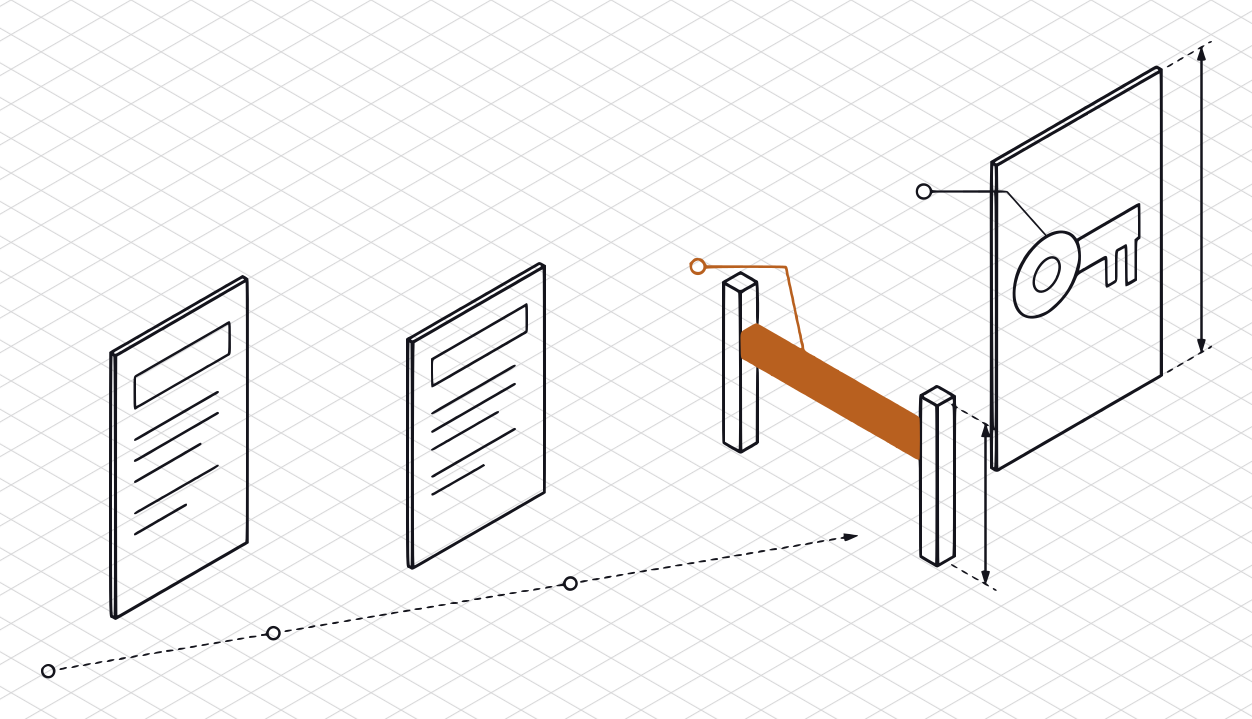
Claude Code can read the files in the folder you start it in without asking first, and that folder often holds a .env file or a key next to the code (Claude Code permissions). To keep it away from those files you add deny rules to a settings file, and for the cases a rule can’t see, a hook that checks each call before it runs.
A deny rule works when its path is written the way Claude Code reads paths, and only for the ways of reading a file that the rule reaches. A hook catches more, but it reads text, so it misses a command that reaches a secret without naming it. Neither one makes a leak impossible, and the last section lists what can get past them.
What this page says about how Claude Code behaves comes from its public documentation, read on November 10, 2026 (the permissions and permission-modes pages again on November 20). Claude Code changes often, so check the pages under Sources against the version you run.
What it says about the hook comes from our own tests of one, on an invented repository with fake values. On November 10 we fed it tool calls in the form the documentation describes. On November 20 we ran a live Claude Code session, version 2.1.329, on our starting files, before they were fitted to anyone’s answers. We tried a short list of reads and commands, each in one session on one computer. That is not every file type or command on this page. Only the parts that session ran were checked, and the page says which.
Why a deny rule can miss the file
Claude Code reads the team’s shared settings, .claude/settings.json, from the folder the session starts in (Claude Code settings). Start it in a subfolder and that file isn’t the one in use, so start it from the repository root. In the live session on November 20 (Claude Code 2.1.329), a session started in a subfolder showed no deny rules and did not list the hook.
Inside a rule, where a path starts decides what it means (Read and Edit rules):
- Two slashes at the start mean the root of the filesystem.
- A tilde and a slash mean your home folder.
- One slash at the start means the folder the settings file belongs to, not the root. The documentation warns that a path like
/Users/alice/fileisn’t absolute. - No slash, or a dot and a slash, means the folder the session is working in.
A bare file name matches at any depth below that folder, so Read(.env) matches a .env at any depth under it, and not one in a parent folder or another project. A .claudeignore file has no effect; its entries belong in Read deny rules.
Anthropic’s settings reference gives this example for .claude/settings.json, copied here as it appears there (permissions.deny). It denies reads of .env files, a secrets folder, and a credentials file, and blocks curl commands. Change the paths to match your own repository, and test it.
{
  "permissions": {
    "deny": [
      "Read(./.env)",
      "Read(./.env.*)",
      "Read(./secrets/**)",
      "Read(./config/credentials.json)",
      "Bash(curl *)"
    ]
  }
}
What a Read deny rule covers, and what it doesn’t
The documentation says Read and Edit deny rules apply to Claude’s own file tools, to the file commands Claude Code recognizes in a shell, such as cat, head, tail, and sed, and to files named in a shell redirect. For its search tools, Claude makes what the page calls “a best-effort attempt” to apply them. In the live session on November 20, asking Claude to read four listed secret files, and mentioning .env in a prompt with @, were each refused by a deny rule.
They don’t apply to a command that reads files without naming them, such as grep -r run from the folder that holds the file, or to a Python or Node script that opens the file itself (Read and Edit rules). A Read deny rule also stops Claude’s Edit and Write tools on that path, but not its notebook editor, so add an Edit deny rule for any path no tool should change.
Rules for shell commands match the text Claude writes. The documentation’s own example: a deny rule for curl stops curl https://example.com but not the same program called by its full path, or inside sh -c. In its words, such a rule “isn’t a security boundary around the program” (what a Bash rule doesn’t match).
What a hook adds
A PreToolUse hook is a script Claude Code runs before a tool call. It gets the tool’s name and input, and if it exits with code 2, the call is blocked (Claude Code hooks). That lets you check the full text of a command with your own logic, which a rule’s pattern can’t do.
The hook we tested refuses a call from Claude’s Read, Edit, Write, notebook, or search tool on a listed secret file or folder, and a shell command whose text names one. In that test it refused git show HEAD:.env, a Python one-liner that opens .env, a wildcard such as .e*, a name split with quotes, and an input redirect from .env. In the live session on November 20, the hook refused cat .env and git show HEAD:.env.
The live session did not show the hook’s checks of Claude’s file tools working. Every ask of a file tool was refused by a deny rule first, and the hook’s own refusal message appeared only for shell commands. Asked to edit .env, Claude first ran a shell command, ls -la .env*, and the hook refused it. Asked again to use the Edit tool directly, Claude’s read of .env was refused and it stopped there. The Edit tool was never called, and the Write tool was not tried.
A hook can also fail. The documentation says a setting that refuses the call when the hook can’t start, crashes, or times out needs Claude Code 2.1.295 or later. On an earlier version, assume a broken hook lets the call through.
What can get past the rules or the hook
Our tests found ways past the hook, and each one is in this list, with what the live session added.
- Commands that reach a secret without naming it.
grep -r API_KEY .from the folder that holds.env,cat *in a folder of key files,git log -pwhen a secret was committed in the past, a file name built at run time, and Claude’s own search tool run over the whole project with no path. In the live session on November 20 (Claude Code 2.1.329), a shellgrep -r API_KEY .ran with no prompt, and Claude’s answer showed the line from.envwith its value (a fake one). The deny rules did not keep.envout of that shell search, as the documentation says they would not. The documentation also listsgrepamong the commands Claude Code runs without a prompt in every permission mode (not checked in the live session). Claude’s own search tool over the whole project was not one of the asks in the session. - Programs that open the file themselves. A test, a build, or a script that loads
.envand prints or logs a value. Claude sees whatever the program prints. If your settings let Claude run your tests and builds without asking, these run with no prompt. In the live session,node scripts/print-config.js, a script that reads.env, also ran with no prompt; the invented script prints nothing, so no value reached Claude that way. - Secrets already in the environment. If your shell loads
.envfor you, any program Claude runs can read the values, and a one-line command can print them. - Files you hand over yourself. A value pasted into the chat, or a file you attach, is in front of Claude whatever the rules say.
- Paths not on your lists. A secret in a config file the rules don’t name stays open until you add it.
- Other machines and modes. Your organization’s managed settings, a cloud session, or a teammate who never pulled the shared file may run different rules.
- Tools the hook doesn’t check. A tool from an MCP server you connect passes a hook that only looks at the file tools and the shell.
- Permission prompts you expect may not appear. In the live session, Claude Code started in auto mode, which its documentation gives as the starting mode for interactive terminal sessions on version 2.1.283 or later (Claude Code permission modes). In auto mode a second model reviews each action instead of a person.
node scripts/print-config.jsran without a prompt being shown. (grep -r API_KEY .also ran without one, but the documentation listsgrepamong the commands that run without a prompt in every mode.) The documentation says a command matching an “ask” rule still prompts in auto mode; that was not tested in the live session, so do not assume your “ask” list stops a command until you have tried it. Check which permission mode each developer’s Claude Code starts in.
For limits that don’t depend on what a command says, Claude Code has an operating-system sandbox for shell commands, which the documentation points to for blocking every process from a path (Claude Code sandboxing). A CLAUDE.md file with house rules about secrets shapes what Claude tries, but it enforces nothing (Claude Code memory).
Check it after setup and after each Claude Code update
- Start Claude Code from the repository root and run
/permissions. Your deny rules should be listed, from.claude/settings.json. - Run
/hooksand confirm your hook is listed under PreToolUse. - Make a throwaway
.envholding a fake value, ask Claude to show it, then ask it tocatit. Both should be refused. Delete the file. - If anything gets through, add its name to the deny rules and the hook’s list, and run the check again.
Free places to start
Anthropic’s settings reference has a paste-ready set of deny rules for sensitive files (permissions.deny), and the sandbox is part of Claude Code. Developers also share open configurations and hook packages on GitHub and npm. We haven’t tested them, so none is named here. Read any hook before you run it, as you would any script that sees your files.
Sources
Claude Code’s documentation, read on 2026-11-10; the permissions and permission-modes pages were read again on 2026-11-20. On 2026-11-20 we also ran a live Claude Code session (version 2.1.329) on our starting files, in an invented repository with fake values. Only the parts that session ran were checked, and each is marked above.
- Configure permissions: the path forms, how deep a pattern matches, what Read and Edit rules cover, and what a Bash rule doesn’t match.
- Settings and the settings reference: where the shared settings file is read from, and the example deny rules.
- Hooks: the PreToolUse input, exit code 2, and the version a hook failure needs to be refused.
- Permission modes: auto mode, the second model that reviews actions in it, the version it became the starting mode, and that an ask rule still prompts in it.
- Sandboxing and memory.
Claude and Claude Code are Anthropic’s. We aren’t affiliated with Anthropic, and it has not reviewed or endorsed this page.